Green email signature footers
Tips, examples and templates you can apply in your signature today
What is a green email footer?
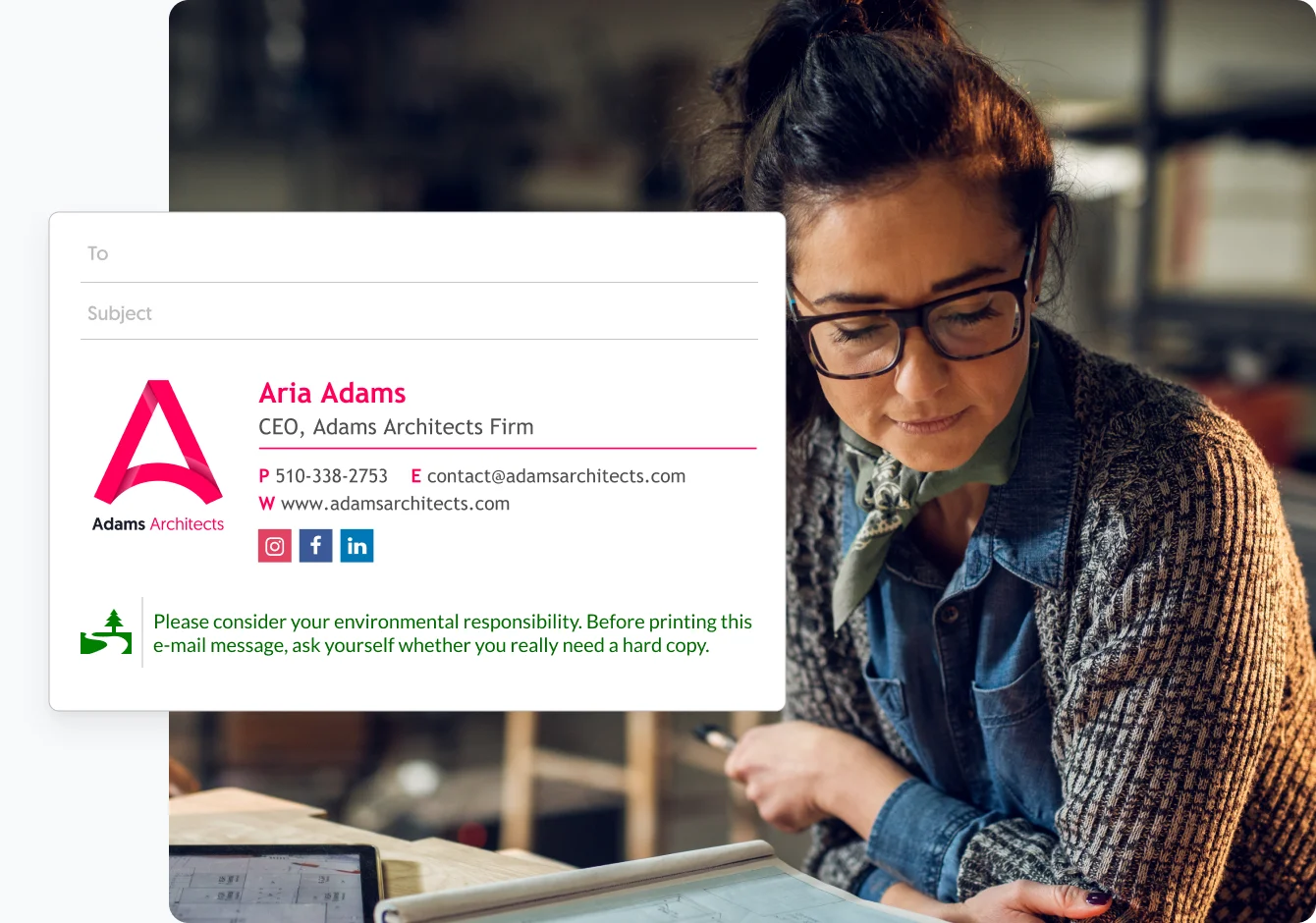
Green footers are sections added to the bottom of your email, usually as part of your email signature. Green footers are usually a few short lines of green color text that ask the recipient to conserve paper and avoid printing out the email or documents all together.
To
Subject
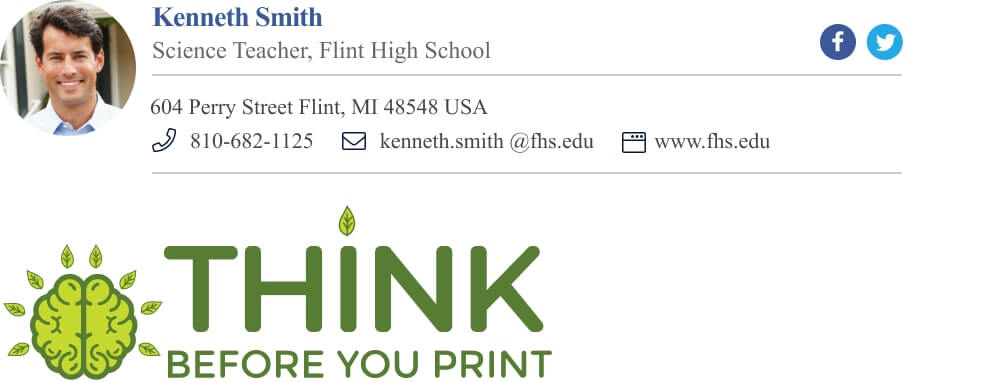
Green footer email signature example | Think before you print
Ecological awareness email signature examples and basic tips
If you care about the environment – and you definitely should – we’ve got some tips for you on how to make the best green email signature footer.

Try to stick to these basic principles when you ask people not to print:
- Keep your request short and on point – In emails (as in life) people prefer the short version of what you want to say. We all got things to do, so go straight to the punch.
- Make a request and not a demand – Remember that you want to convince people to cooperate, and nobody likes being told what to do. So, try to motivate people with positive and soft words, and avoid reprimanding them or using judgemental language.
- Remind people of the benefits of not printing paper – Simply adding the word “because” after a request has been shown to increase compliance in some psychological studies (even if it wasn’t a good reason).
Great examples of green footer tag-lines you can use
- Don’t print this, OK?
- Think of the waste before you print…
- Save paper, save trees!
- Save paper, save money.
- Go green, don’t print. Because it’s good for the environment
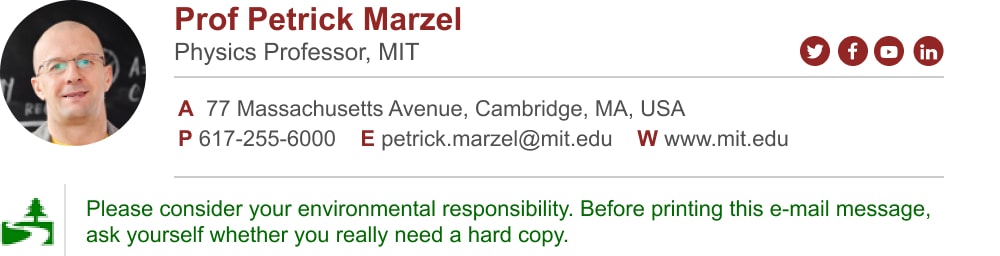
- Please consider the environment before printing this email
- Please reconsider not printing out this email. Because we want to preserve nature.
- Thank you for not printing this email!
- Save a tree. Don’t print.
To
Subject
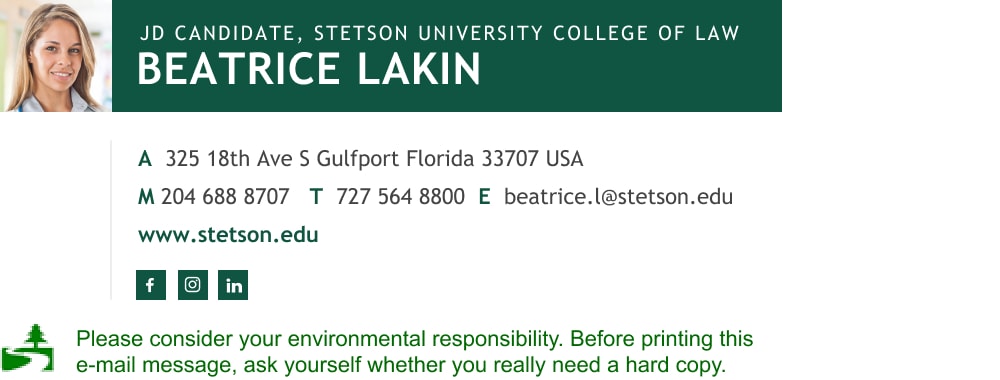
Please consider the environment before printing this email | Green footer example
Bad examples – so you know what to avoid
To illustrate how good intentions can go wrong (and still make you smile) I added some bad green footer examples. So, maybe don’t use these:
- Please consider filing this email in an email folder and refraining from printing it, since that would be redundant and a waste of space, time and paper. Just make sure you backup your hard drive, you idiot.
- Please respond to this email as soon as possible, as I am soon unplugging all my electrical devices and moving to the woods. And this should go without saying, but you should NOT print this message since the more you print, the fewer woods I will have left to live in. Again, please hurry.
- Printing is murder!
- Stop! Don’t print this! Printing is EVIL!
- If you care about the environment you won’t print this.
Whatever your choice is, good or bad, simply copy and paste them to your email signature.
BTW, if you still don’t have a professional email signature, you can make yourself a great looking signature in less than 5 minutes with our signature generator. The generator has a green footer template gallery ready for you to choose from, with a logo and everything. Simply choose a template, add your personal or professional details, and set up your signature in your mail with 1-click.
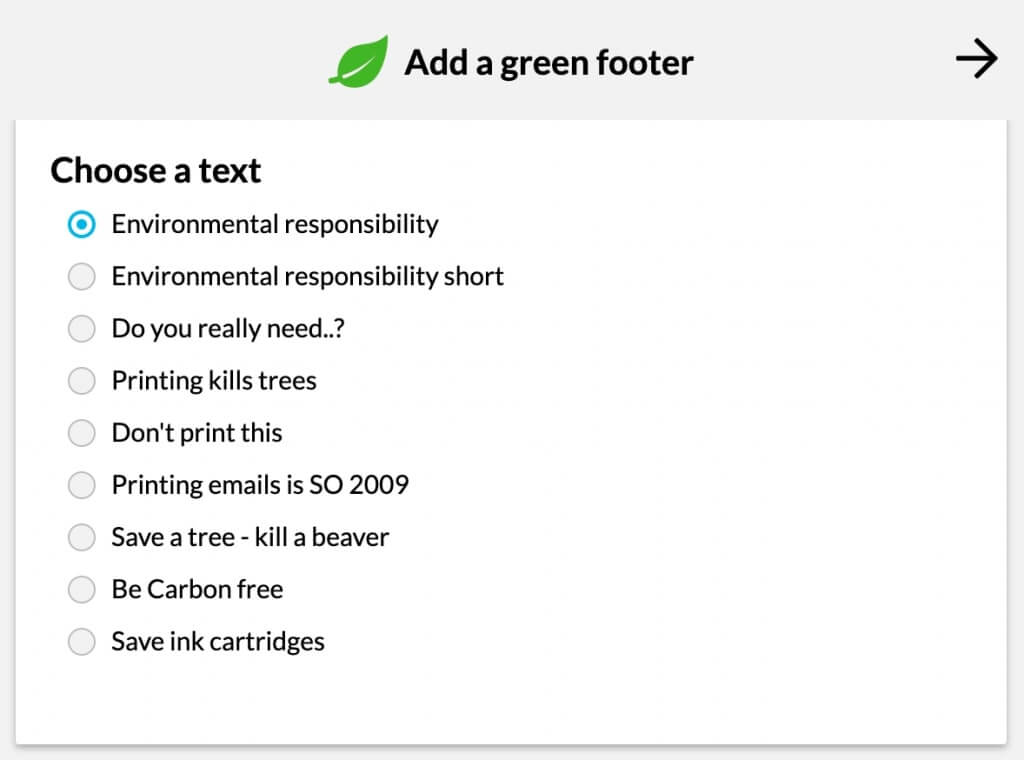
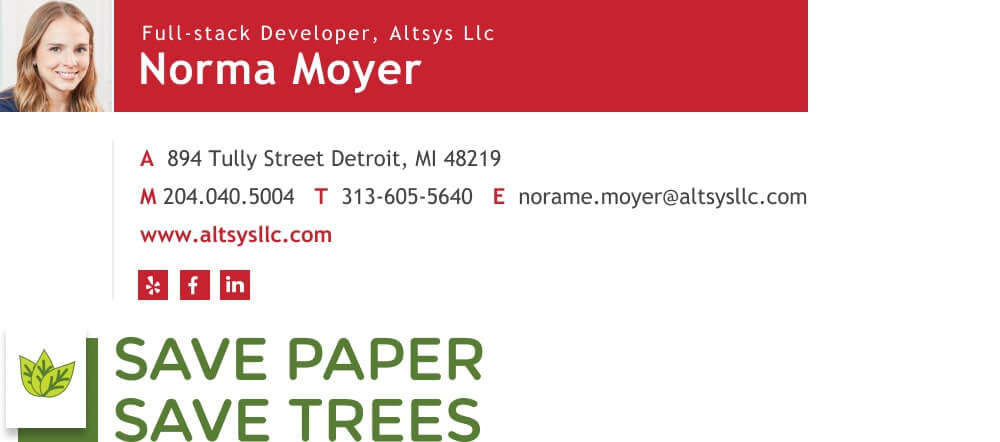
Green footer email signature templates you can use as your own
To
Subject
To
Subject
To
Subject
To
Subject
Why use a green email signature footer?
Adding an environmentally conscious email disclaimer is a good move. These email footers show your client that you’re committed to being a more environmentally friendly business, and also serve as a small reminder to help reduce paper consumption for those few people who might still consider printing out an email.
Nowadays we tend to print a lot less and it’s not as common for people to print out their emails. So it may suffice to add a “Think before you print” or a “Go green” email logo.
“Think before you print” free logos
Feel free to copy or download these logos for your personal use.
 |  |
 |  |
If you don’t want to mention printing emails, there are other ways you can be eco-friendly as well. You can choose to include an environmentally-themed quote (or any other quote) in your email footer or share a short eco-friendly tip.