Video email signature maker & video signature examples
Generate a video thumbnail for your email signature from a URL with our Video Signature Maker, see video email signature examples, and get tips for creating a compelling and engaging video email signature.
To
Subject
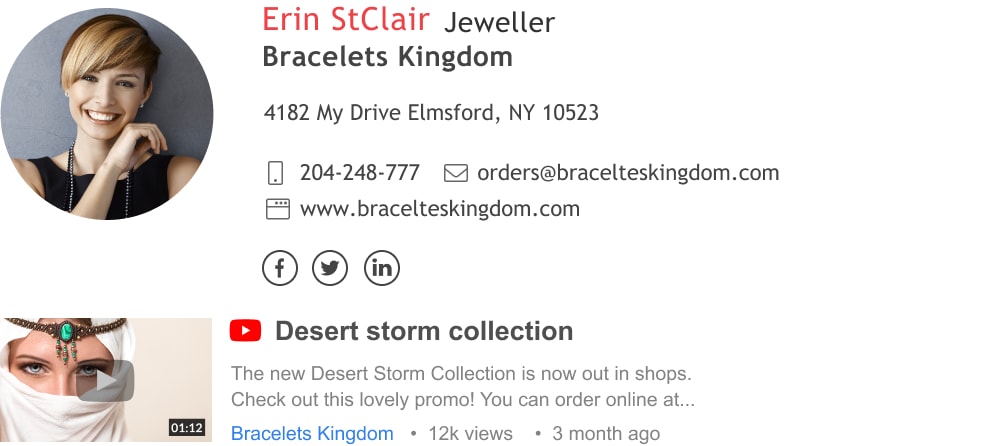
Video email signature example | Made with WiseStamp
How to make an email signature with a video thumbnail
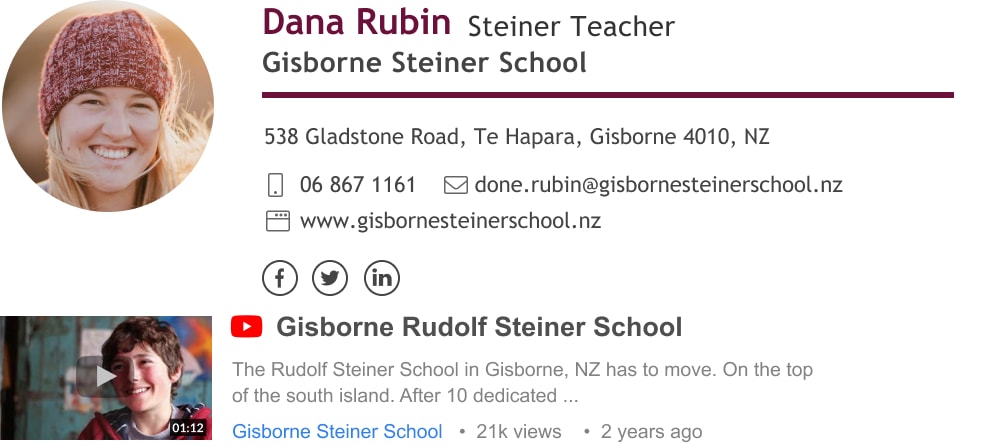
Adding a video to your email footer is actually very easy. You can do it in under a minute with the Wisestamp video email signature generator. Just add the link to your video, give it a title, and click Save. Your end results will look like a Youtube video thumbnail (see example below).
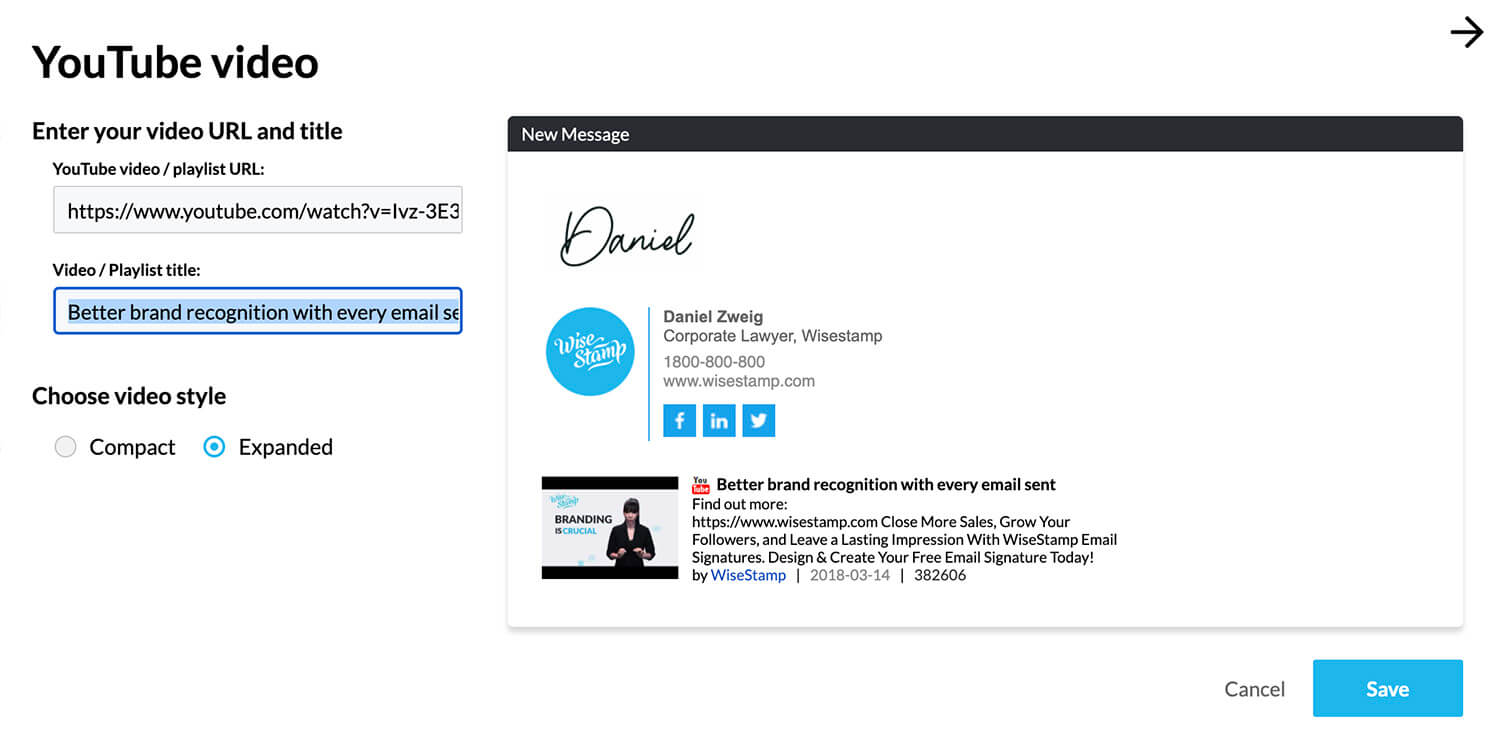
WiseStamp video email signature generator
All that’s missing is your personal information and template preferences and you can install your email signature automatically in your email by clicking the “OK, I’m done” button. Voila!
Manually add a video to your email signature
If you want to create and install an email signature manually, by yourself, read our step-by-step guides for the following email platforms:
Best tips to make the most of your video email signature
A video is a delicate thing. In order for your video signature to reel in the reader’s engagement that you’re hoping for you may want to acquaint yourself with a few basic principles for making a great email signature as well as a great video. We’re about to cover all of this in a moment. Let’s start.
3 vital parts of an engaging video email signature
A video email signature should be short, sweet, to the point – no longer than a minute. Use it to create the first impression you want to give yourself (as a professional), or your business and brand.
- Tell a story – don’t just talk about yourself or your company. Tell a story that gives insight into who you are and what you do. Any topic can have a story, a bit of drama, suspense or laughs. Find yours.
- Empathize with your readers – If you know you know your audience then you probably know their pain points, things they find frustrating or demoralizing. Let your readers know that you understand.
- Add a call to action – after you’ve talked about your users’ pain point, offer them an awesome solution you have for that problem. That’s your CTA – make it actionable, immediate and low risk. For example, offer them a free guide, a demo of your product or an open webinar.
To
Subject
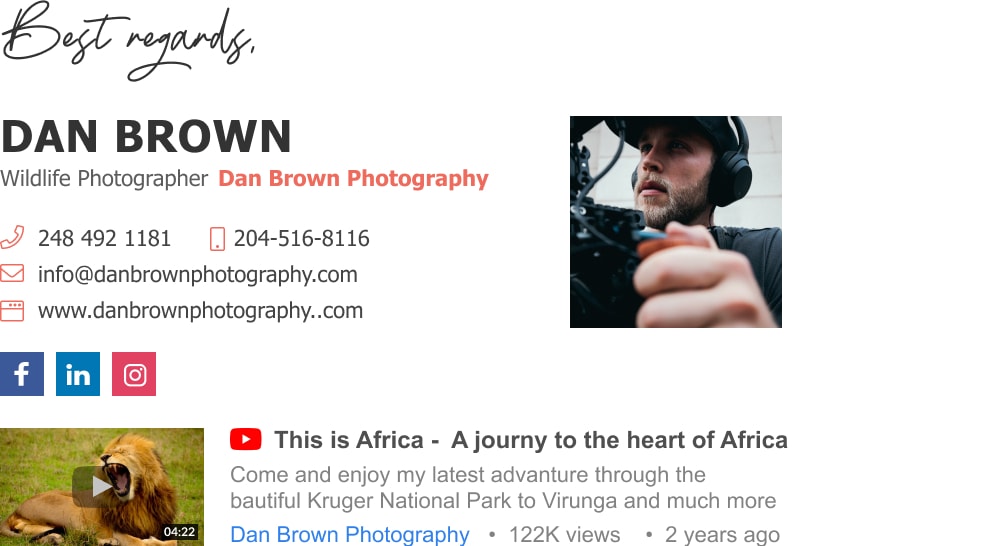
Types of videos you can make
A Video email signature provides great opportunities for email marketing and promotion.
- Promote new product/service
- Product demo videos
- Explainer videos
- Brand promotion to increase brand awareness and recognition
- Special offer videos
- Social media promotion videos to drive traffic to social media channels
Note: It’s always the best practice to target specific customers in your videos. This will increase engagement and generate more sales.
Do’s and Don’ts for video email signatures
DO
- Before creating a video for your email signature, decide what you intend to achieve with it.
- Ensure you have a video in a format that can be shared in email.
- Always create a thumbnail for your video and remember to add a play button to the static image.
- Enhance your video email signature with an appealing call-to-action at the end.
- Keep each video short and sweet. Shorter videos hold attention for longer (kind of paradoxical, I know)
- Use jokes, lively insights and trending topics to keep your video visually interesting.
- Always measure the traffic and performance of your video and make sure it’s working
- Keep it professional, authentic, and let your personality shine through.
Don’t
- Don’t make videos that last longer than 45-60 seconds; else it will lose its effectiveness.
- Do not film in the same location or wear the same outfit in all your videos. It makes it boring and uninteresting.
- Don’t make a lazy, half baked, smartphone video with horrible sound and bad lighting. It will create a negative and unprofessional impression.
How to make a video for your email signature
Anyone can create a video nowadays from the comfort of his/her smartphone. But to make a video that drives engagement and leads you’ll have to conform to some basic best practices. The following are 5 tips that will ensure your signature video will be above standard.
1) Personalize your email message to gain trust
You should use a video to tell your customers more about yourself and your brand. A video will allow you to say more than you could ever fit into your written email text message.
Videos are the most powerful form of content when it comes to building one on one personal connection. Videos are a medium by which recipients can see your face, and learn about your interest, goals, and objectives. This builds perceived familiarity between you and helps to gain people’s trust.
By letting them see you and hear you they get a sense of WHO is delivering the message. This will increase the likelihood that they’ll actually hear WHAT your message is. Your recipient may pause and interact with your message instead of quickly moving on to the next thing.
To
Subject
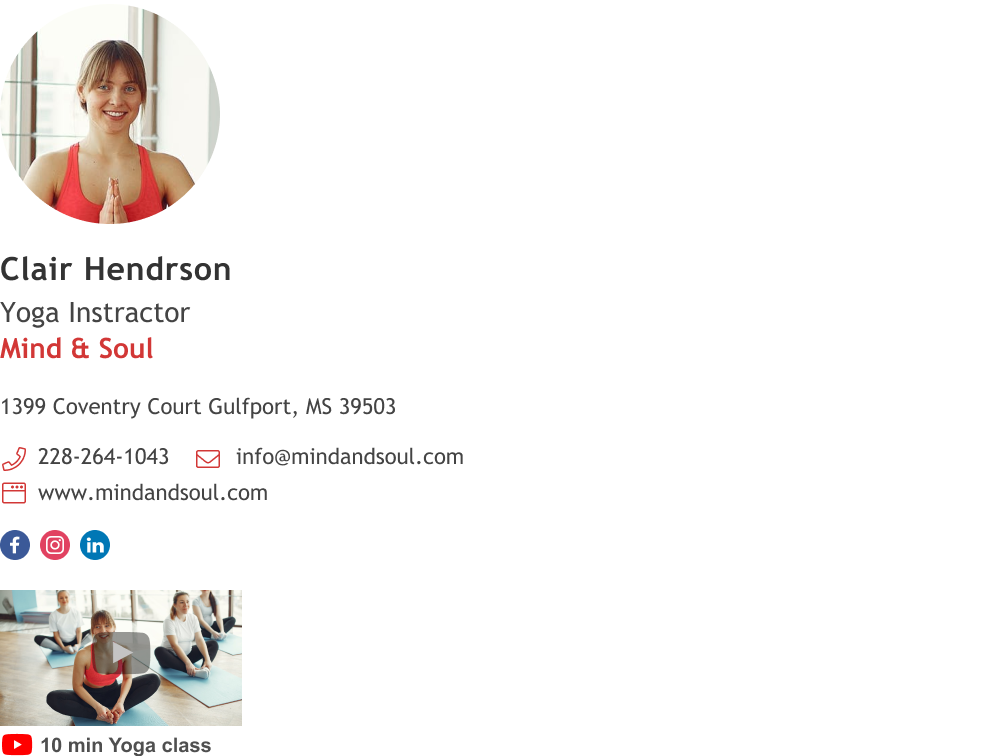
2) Express your business values to boost your brand recognition
A video boosts your brand recognition and memorability. An authentic video email signature can leave an unforgettable impression. People are much more likely to remember you after watching your video message.
A video is a powerful opportunity to differentiate yourself and stand out in your business niche.
3) Use explainer or tips videos to showcase your expertise
A video gives an impression of expertise simply by showing that you invested time and thought into creating media. But you can take this a step further by linking to great informational videos from your email footer block. In anycase, the video must look professional or you may send your recipients the wrong message.
To
Subject
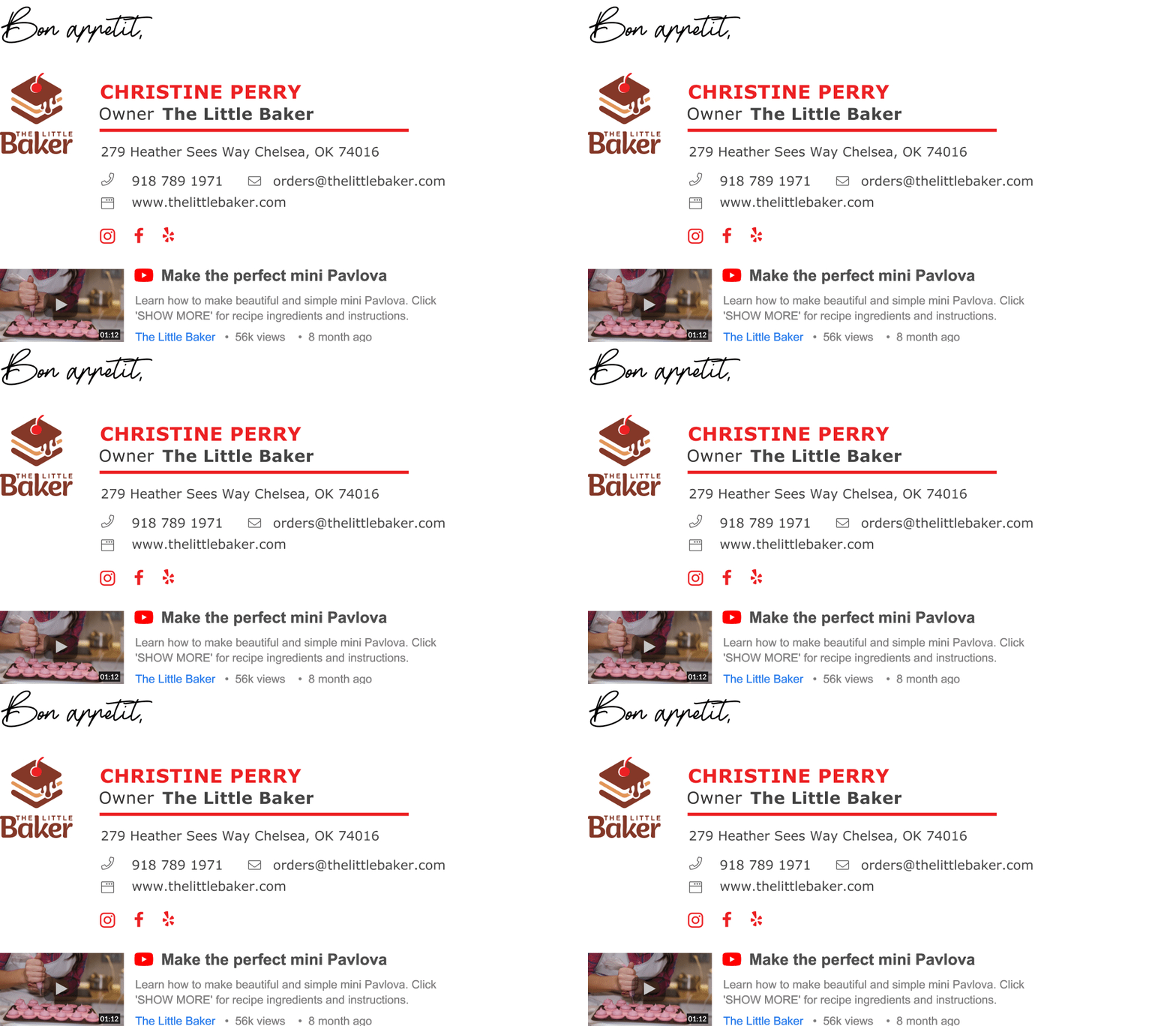
4) Add a call to action to your email signature video to generate leads
A video email signature can be used to convert your email recipients into customers. The most efficient way to do this is by using a call to action (CTA).
What you need to do in practice is to make a video showcasing your products/services with a good demo video, a description. Then, near the end of the video add a link to the product/service page, with a clear, concise and immediate sales offer that encourages your recipients to click on the link.
5) Make a video that targets specific audiences
If you present the perfect sales pitch to the wrong audience no one will be interested, because it simply doesn’t apply to them. When you sit down to compose your promotional, demo, or testimonial videos make sure that you know who they are addressing.
Messages that use specific language with specific offers to a targeted audience would increase conversion dramatically. It’s essentially the difference between pitching to random passers-by or pitching to your known clients.
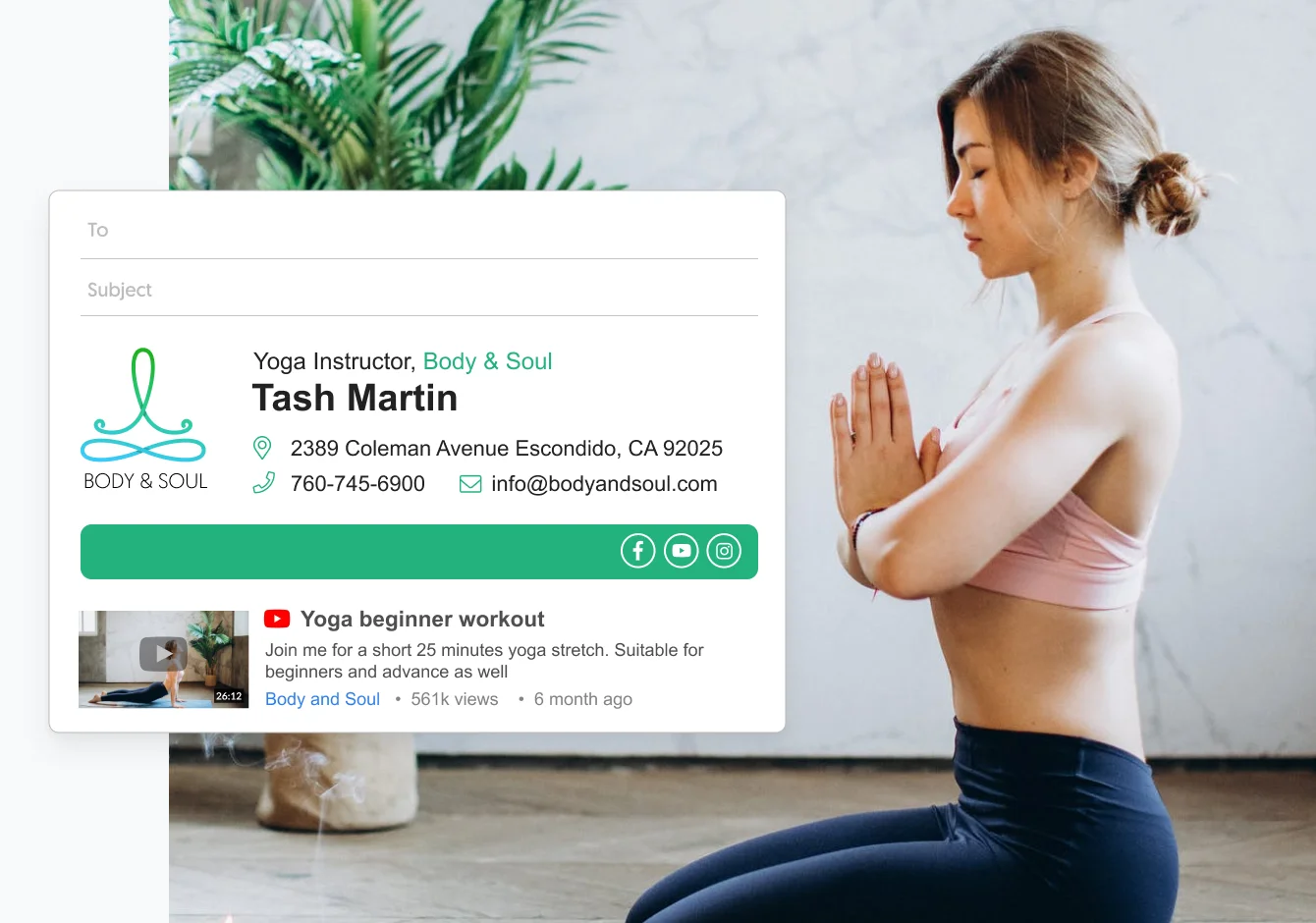
Video signature templates you can use today
To
Subject
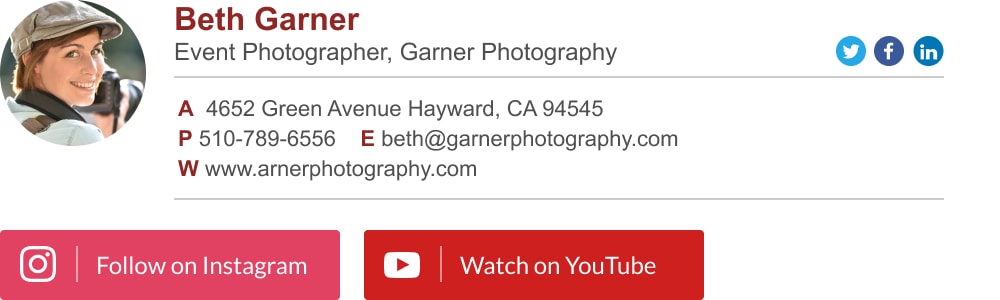
To
Subject
To
Subject
To
Subject
To
Subject
To
Subject