
How to create a social media email signature with icons, links, and banners
A practical guide on how to drive traffic and sales from your email signature with social media icons

A dynamic and well-structured email signature should have social media icons to help your contacts discover, connect, and follow you on social media. Adding Social links to your signature is a huge content marketing opportunity that shouldn’t go to waste.
To
Subject
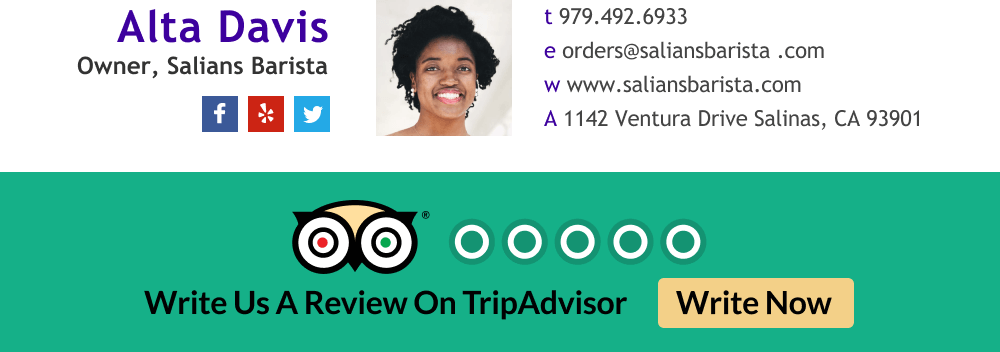
How to add social media icons to your email signature
The easiest way would be to use WiseStamp’s free email signature maker. We have all the social media icon options that anyone could hope for. You can have a beautiful signature installed in your mail in just a few minutes. Add social icons to your signature here. WIsestamp works with all the major email platforms.
For specific social media, links see our specific guides for adding Facebook, Instagram, Linkedin, and Twitter links to your email signature find the relevant guides below.
Get inspired by effective social media signature templates
To
Subject

To
Subject

To
Subject

To
Subject

To
Subject

To
Subject
To
Subject

To
Subject
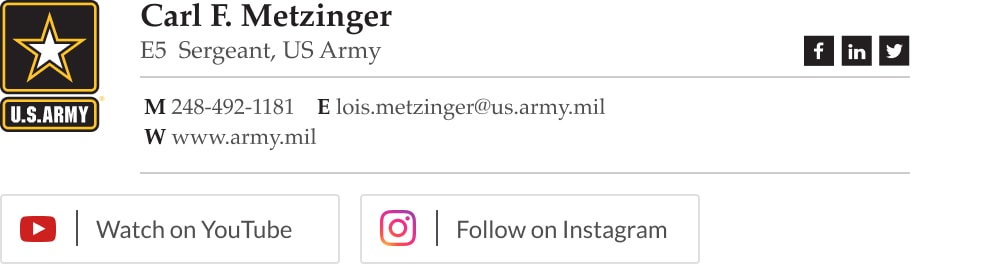
How to use social media icons the right way
If you’re a business owner or professional working for a company you should use social media links to send your recipients to your company’s account on those social media platforms to show your company’s presence, activities, and marketing.
If you’re a freelancer, you should send people to your personal social media channels where you have your work and expertise displayed. Use social media links to keep your contacts and target market engaged by updating them about your current activities, and promotional sale events.
Some basic tips:
- Include only the icons for the platforms you’re actively engaged in
- Ensure that each link is embedded correctly to the right social media icon (things can get messy sometimes)
- Include only those social media channels that you know or believe will push your business’s bottom line
- If you have 1 or 2 major social media pages that generate sales, consider giving them a bigger presence with social media buttons or a call to action banner instead of icons – to encourage people to visit there (you can use Wisestamp editor right now to create a signature with a banner or social media buttons in less than 5 minutes)
How not to use social media icons
- Don’t stifle your email signature with too many icon options. Limit yourself to a maximum of 4 or 5
- Don’t use text hyperlinks where you can use icons instead, they take less space and drive more clicks. It will also keep your email signature neat and uncluttered
- Most importantly, do not send people to social media pages that will reflect badly on your brand or professionalism

Use social media icons to market your company
Adding social icons to your company email signature provides new opportunities for target markets to connect with businesses, with every email you or your employees send.
For example, adding your company’s Linkedin page is a cost-effective way to help job seekers find you and apply for a job. Adding a Facebook icon will help lead users to your Facebook page where they could see your sales events or company initiatives.
Email signature social links can be seen as an addition to your email marketing channel where users can find everything you have to offer in one place when they need it.
To
Subject
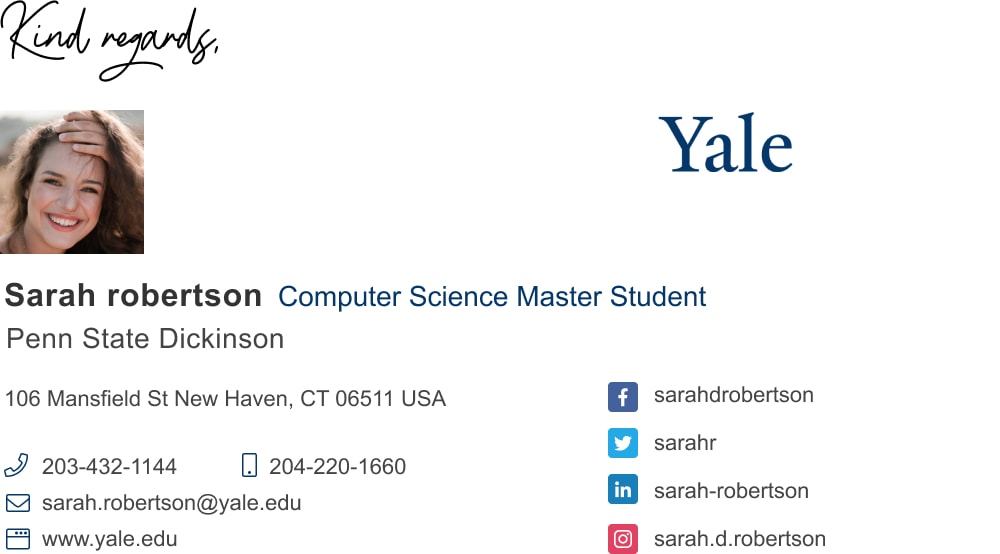
Use social media links for personal and professional growth
Social media email signature provides opportunities for customers to continue their business relationship outside the traditional communication channels.
It’s a way to show the extent of your activity as a professional and as a persona. It’s a way to connect your correspondents to engaging content from posts, tweets, comments, likes, shares, and other social media engagement opportunities.
If you already have a channel of communication with someone through your email, you shouldn’t shy away from letting them know of other cool things you’re doing. They may be looking exactly for that.
To
Subject

How to use social media icons for recruiting employees
Social recruiting is a common practice on LinkedIn and Facebook, and many companies prefer using social media to connect with suppliers, employees, and advertise for job opportunities than using paid advertising.
For example, a company can broadcast that they’re hiring, and direct traffic to a job recruiting post on their LinkedIn profile through the social media icon on their email signatures, and have people applying for the job.
By adding a Linkedin button or icon you’ll make the most of every email you and your team send out. You never know if the right person is the one reading your email right now… this can be especially powerful for HR professionals.
To
Subject
Social media email signature with HR Glassdoor button
Social media channels you can add for your specific profession
Social media is a very effective tool for business. If you want to know the social media channels that are suitable for your business or profession, you need to have business goals and objectives. Only then you can find out the social media channels that will help you achieve your strategic business goals.
If you still don’t have active social media channels, go for channels that will show your strong suits and have the functionality to support your business goals. Keep it simple and pick only a few that you can manage.

What the various social media channels are good for
To get a basic understanding of the type of social media you need to aim for, let’s quickly go over the most dominant channels and what they’re good for.
Facebook, Twitter, and Linkedin
These are social networks used to connect with people and brands online. They are suitable for market research, brand awareness, lead generation, relationship building, customer service, etc.
Instagram, Snapchat, and YouTube
These are media sharing networks used to find and share photos, videos, live videos, and other types of media online. It is an invaluable tool for brand awareness, lead generation, and audience engagement.
Reddit, Quora, and Digg
These are discussion forums used to find, discuss an share news, information, and opinions. They’re also good resources for market research and indirect advertisement.
Pinterest, Dribble, and Behance
These sites are made for sharing visuals and designs. Adding their icons to your email signature could be a good choice for designers, photographers and artists to pull people in to see your work and offerings.
Social media icons email signature generator
No reason to wait around, Your peers and colleagues are already making professional email signatures using free email signature makers available on the web.
Thousands are joining Wisestamp every month. So, don’t lag behind, create your signature today. Start now and you’ll be done in about 5 minutes. Quick and simple.