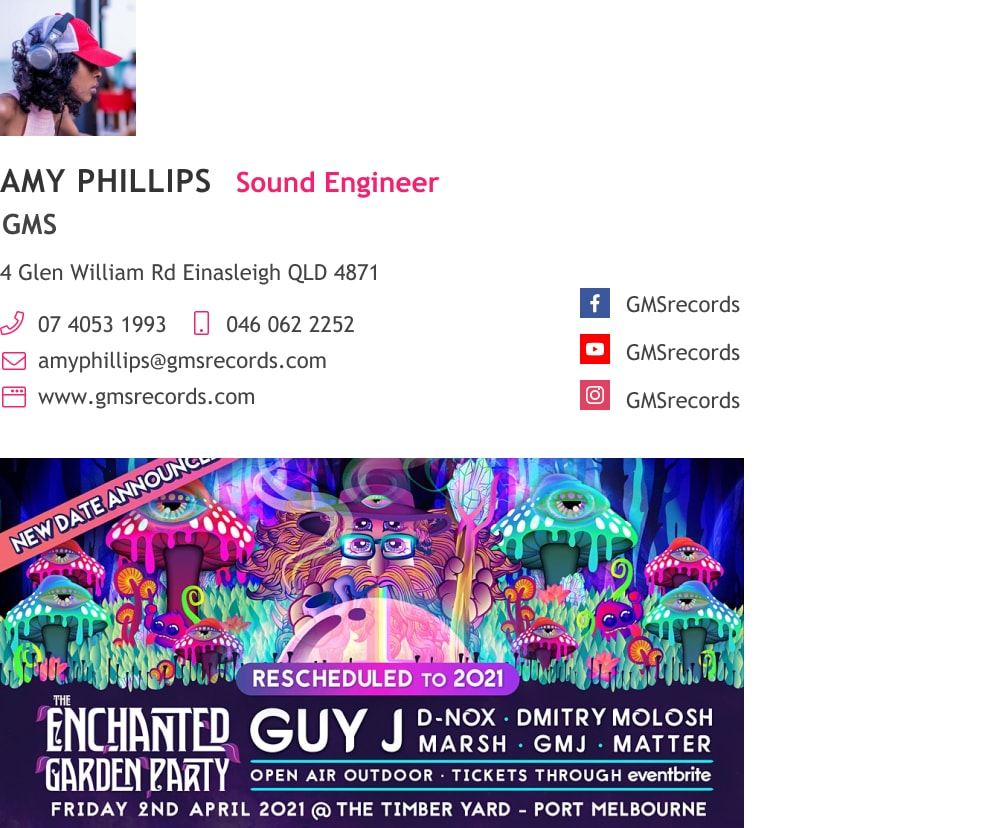
Musician email signature that gets your music out there
Examples and tips for creating the best professional looking email signature for musicians, singers, DJs and songwriters
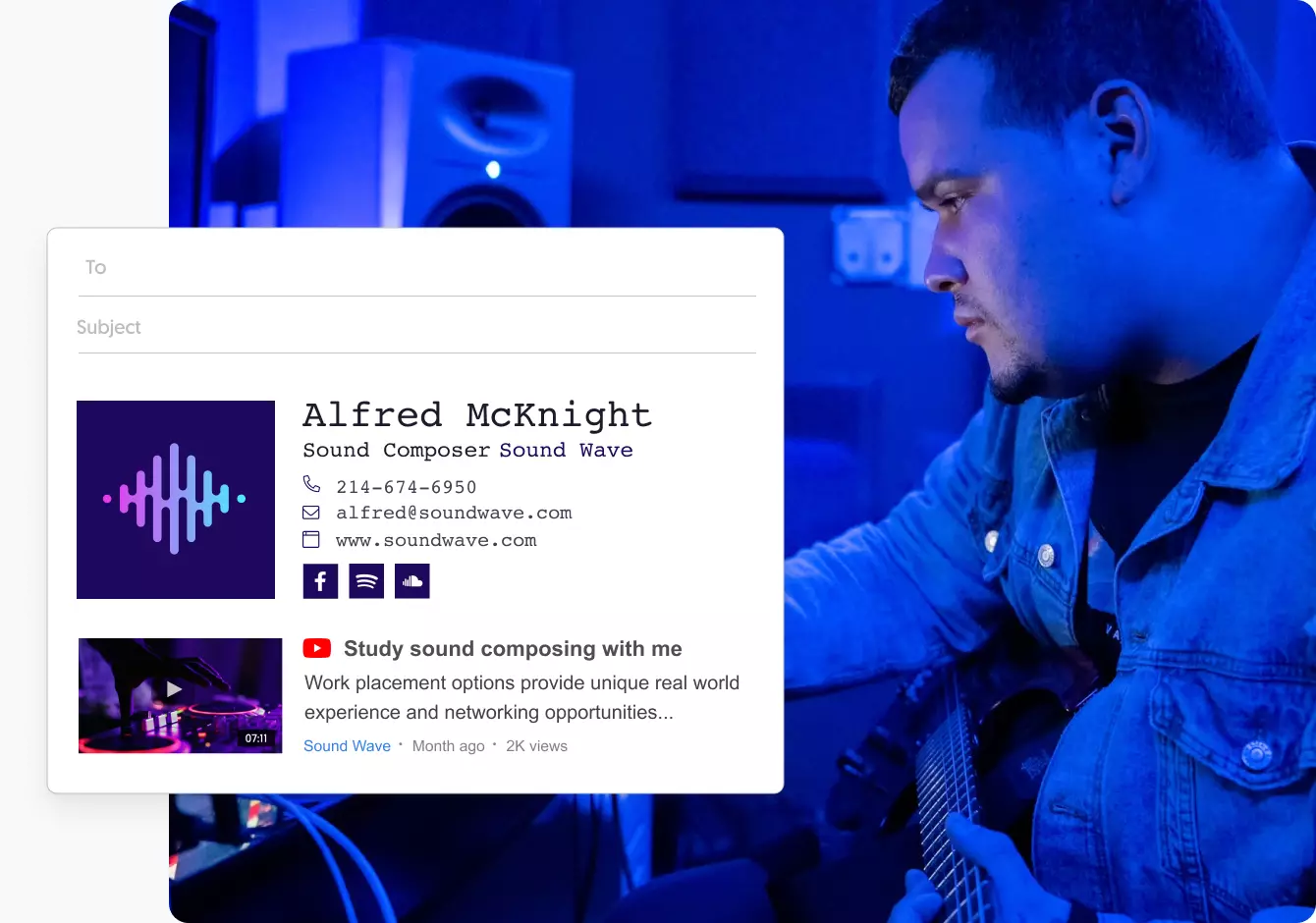
As a performer or musician, you’re always challenged with bringing yourself and your music to new audiences.
And you never know if the person on the other side of your email will be the one to bring your music to the right ears. That’s why an email signature tailored to “sell” you as a musician can make the difference between a missed opportunity or an amazing career.
What should your musician’s email signature include?
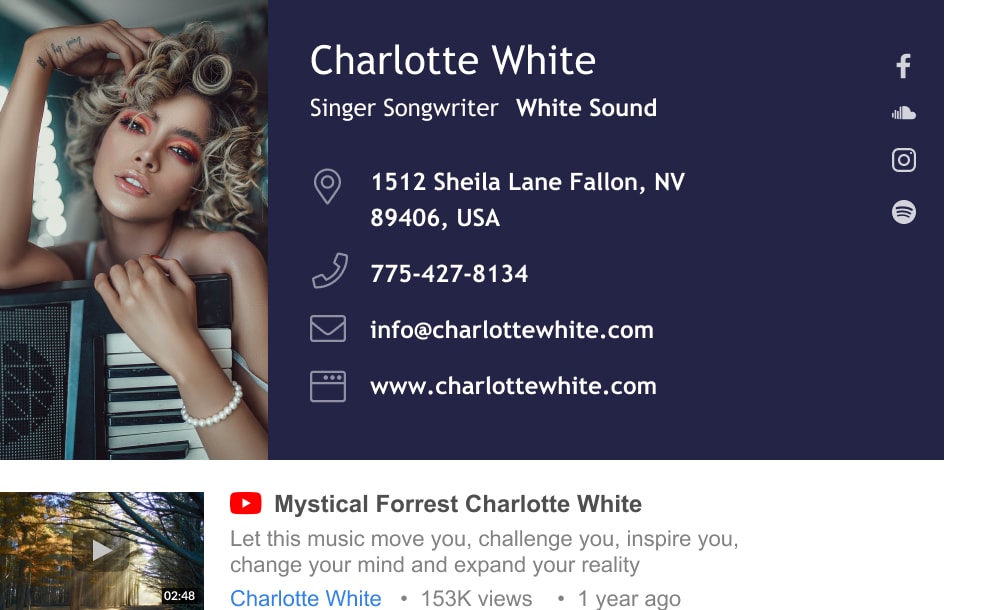
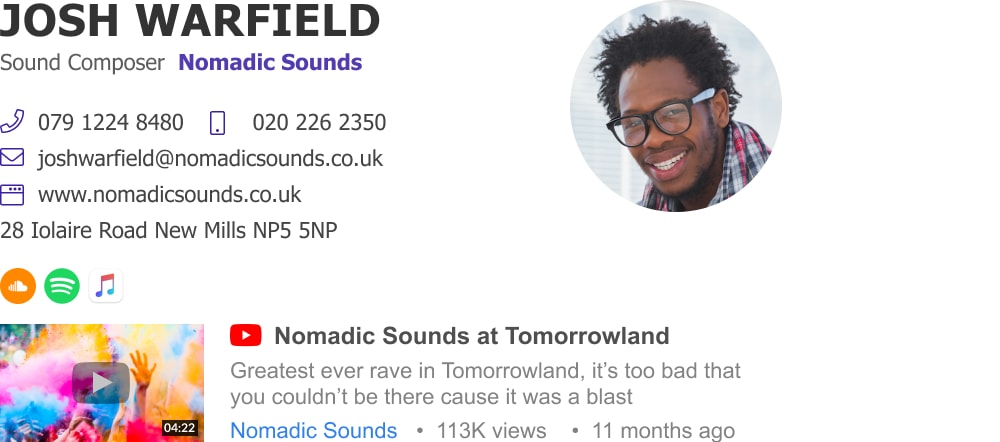
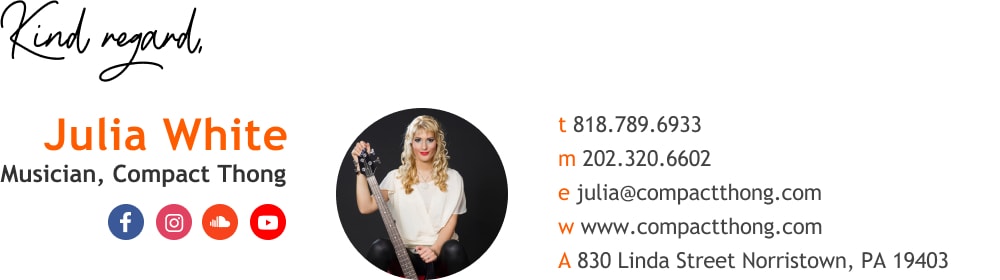
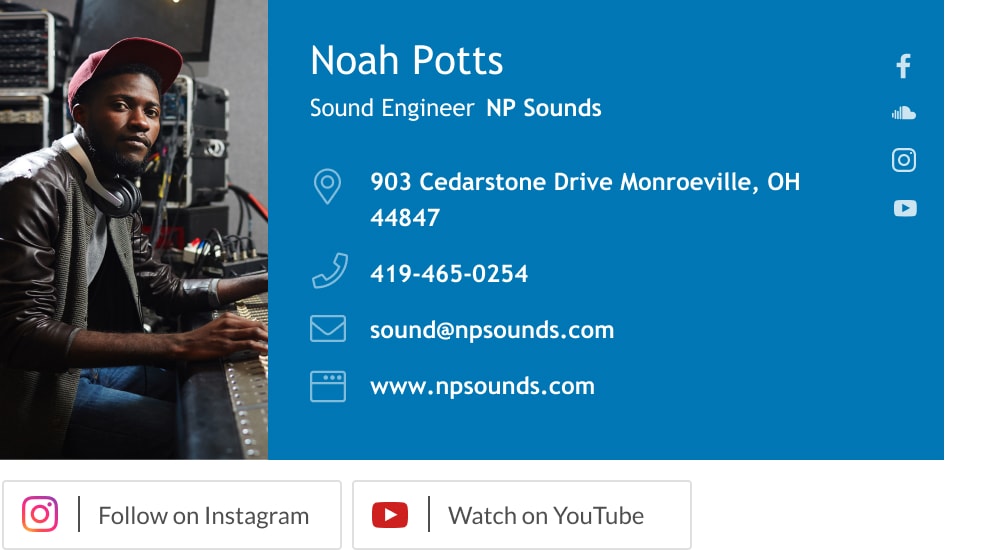
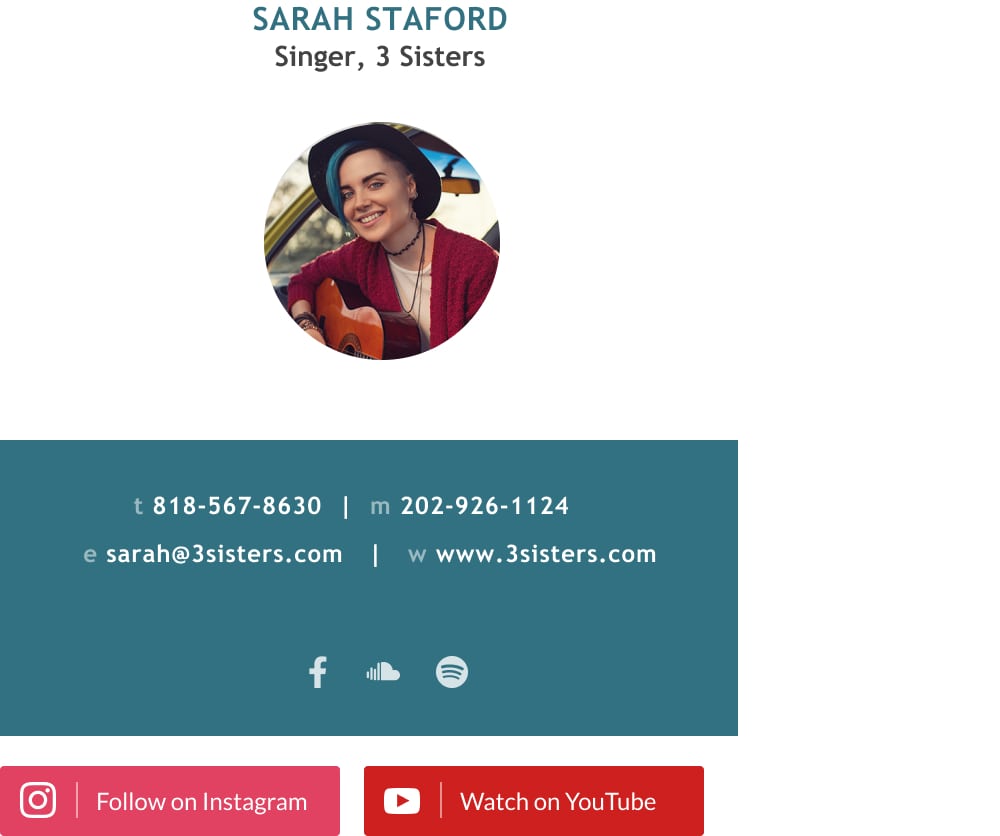
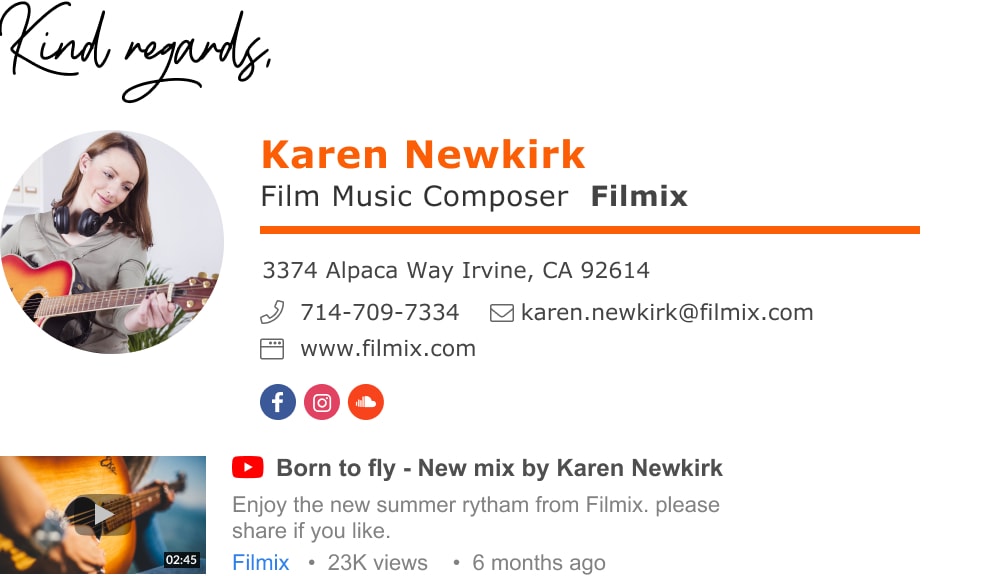
- Name: Give your readers the name you use as a musician, be it your real name or your stage name. If you intend your email signature to advance your music career then it’s made to sell you as an artist and not you as a person.
- What you do: Add your title, be specific regarding what type of music you make or what kind of instrument you play.
- Photo : Adding a stylish photo of you adds a depth to your stage persona and makes head hunters feel that there is a something more behind the info (think star power).
- Where you played: Add a list of the venues you performed at. No producer likes taking chances and even less being the first to take them. They need to know you’ve already proven yourself somewhere.
- Relevant social media links: Make sure you give people a real taste of your music. Add a Youtube video, add icons for your Apple Music, SoundCloud or Facebook. You get the point.
- Contact info: There is no secret here, just give people a direct and easy way to get in contact with you. Add a direct mobile number
To
Subject
How to make the most of your musician email signature
To super charge your signature and get a better chance of creating leads you may want to use one or more of the following signature add-ons (available in the Wisestamp signature maker)
- Add social media icons: Provide easy access to your social profiles like Facebook, LinkedIn and Twitter to give more depth into who you are – but make sure to tidy them up and make them beneficial and not detrimental to your success.
- Add a link to your music event: Add a button or a banner with an invitation to attend you upcoming concert, performance or any other event.
- Add a link to your music portfolio: Add icons, buttons and links to sites like Spotify, SoundCloud and Apple music (or your personal website) – where your recipients could find and listed to your music
- Add a link to a Youtube video: Add the Wisestamp Youtube add-on to present an informative thumbnail of your latest video as published on youtube – for the benefit of your readers.
Musician email signatures templates
To
Subject
To
Subject
To
Subject
To
Subject
To
Subject
To
Subject
To
Subject