
Google Waves hitting the shores of WiseStamp 1.2.4
Were you able to get yourself a Google Wave beta invite?
lucky #%#%…
Show off a bit by letting your friends & contacts know about your new Google Wave account, as well as help them easily find and contact you on the Google Wave platform.
| + |
|
Here is the way to share your Google wave contact info in your email signature using WiseStamp:

Adding Google Wave username in the WiseStamp ‘IM’ tab:
- Install WiseStamp email signature (Firefox addon).
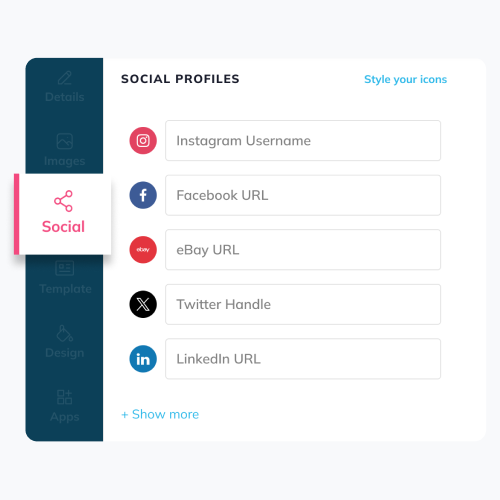
- Click on the WiseStamp IM tab and select the
Google Wave icon from the IM list (see image below)
- Fill in your Google Wave username – it should be in the form of user@googlewave.com
- Add a compelling title such as:
- My Google Wave:
- Wave to me:
- Find me on Google Wave:
- Check out my Google Wave:
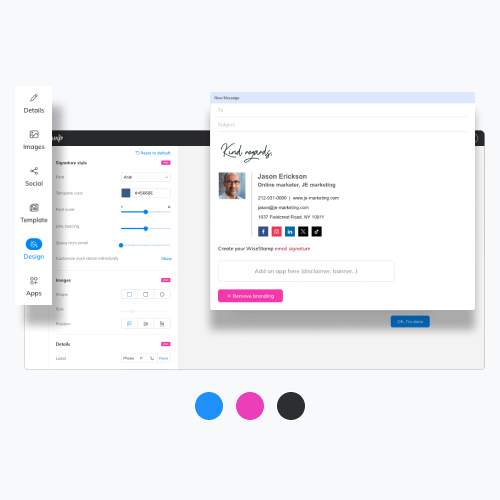
Now any outgoing email you send can be used to easily contact you via the Google Wave contact search:
Adding Google Wave username in the WiseStamp ‘IM’ tab:
Sample signatures:


Google Wave, estensioni per FireFox. | il TecnoSociale Said,
October 25, 2009 @ 9:04 am
[...] WiseStamp. Abilitare la condivisione delle informazioni dei contatti di Google Wave all’interno della firma della nostra mail. [...]
Our Favorite Google Wave Extensions And Add-ons | Jeez Tech Said,
November 8, 2009 @ 6:29 pm
[...] WiseStamp Enables you to share your Google Wave contact info in your email signature. [...]
Pirote Said,
December 8, 2009 @ 11:25 am
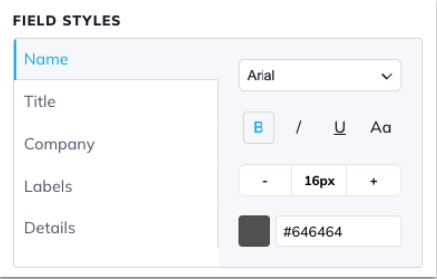
Nice tool but it could be better with the possibility to change social and instant messengery font styles.
Actually, font styles are different between manual and automatique text.
Thx for your tool it is great!
Carles Said,
February 8, 2010 @ 4:29 pm
I love this extension, althoug i am a new user, always needed that. Just, if it where possible, i would like to add “another” (or more) kind of signature, like: personal, short, for family…
Great job, keep it on!